|
|
 |
|
TITLE
Setting up Currency Server to Work with Data
Provided by Oanda Corporation
|
|
|
TOPIC
Q: How do I quickly configure Currency
Server to work with my Oanda data feed subscription?
|
|
|
DISCUSSION
A: Oanda
Corporation makes available exchange rate data
in a variety of protocols and formats, including
FXP, FXPD and FXCSV, all of which are supported
by the Currency Server software.
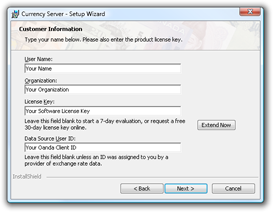
The Oanda Client ID, which
is required to access the data in FXCSV format,
can be entered during the setup of Currency
Server:
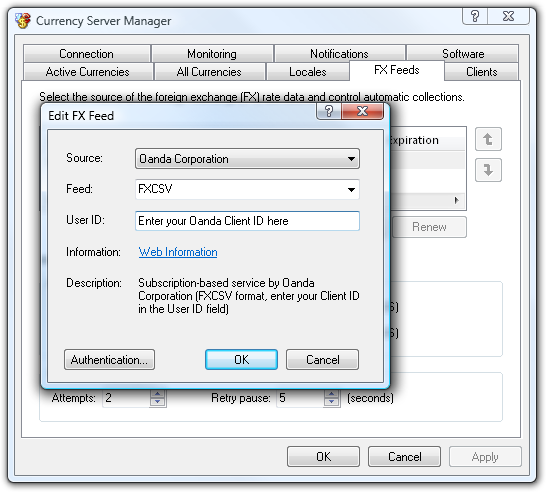
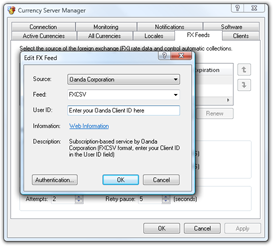
After Currency Server has been installed,
open Currency Server Manager to make sure that the
correct server configuration and Client ID are set
in the FX Feeds tab:
For additional software-related information please
refer to the Currency
Server homepage. For data feed related inquiries
please refer to Oanda's
website.
|
|
|
| Article Information |
|
|
| Article ID: |
13-177 |
| Platform: |
Windows |
| Products: |
Currency Server |
| Additional Keywords: |
None |
| Last Update: |
2008-10-25 |
|
|
| Your
feedback is always
appreciated. It is safe to link to this page. |
|
|
|
|